Ski with us, and help shape the apps.
Free EM Snow apps for iPhone, Apple Watch and Garmin. They record your day, show the snow and the lifts where you are, and let you fly back through every run in 3D. We are looking for skiers and snowboarders to try them this winter and tell us what works and what doesn't.
iPhone and Apple Watch
Beta on TestFlightInstall Apple's free TestFlight app, tap the link, and EM Snow installs like any other app. The Apple Watch app comes with it.
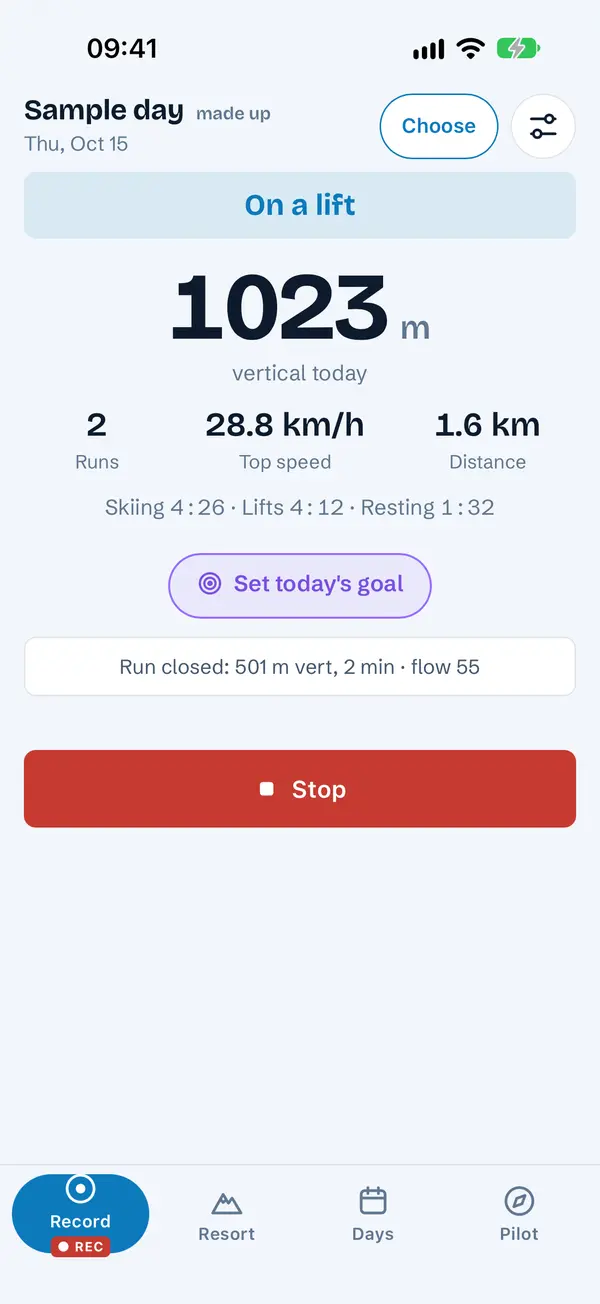
- Record your dayRuns, vertical, top speed and time on the snow, counted the same way as our Garmin app. Set a goal for the day and see the summary when you stop.
- Mark and pauseDrop a mark for a photo spot, powder or a meeting point. Pause for lunch. Both work from the lock screen too.
- Snow and liftsSnow depth, the forecast, avalanche danger where it's published, and which lifts are open, for over 5,000 resorts.
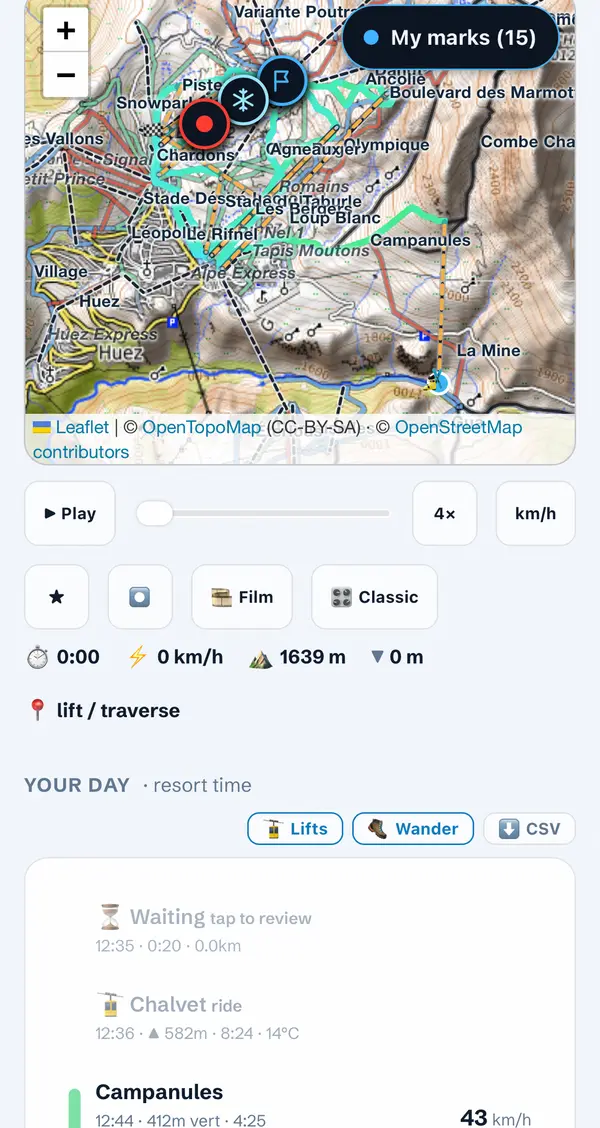
- Your days in 3DEvery run and lift ride named on the piste map, then replayed over the real mountain.
- Bring your days inSki workouts from Apple Health, a GPX or FIT file from Files, and days from the EM Snow Garmin app.
- AlertsA push when your mountains get fresh snow or the lifts start to open.
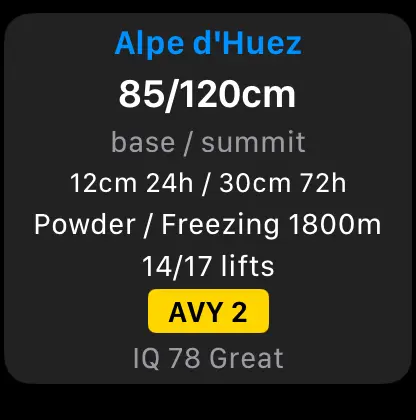
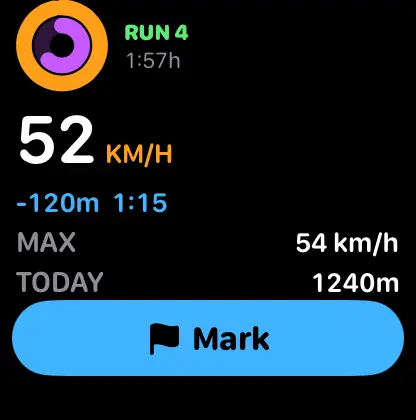
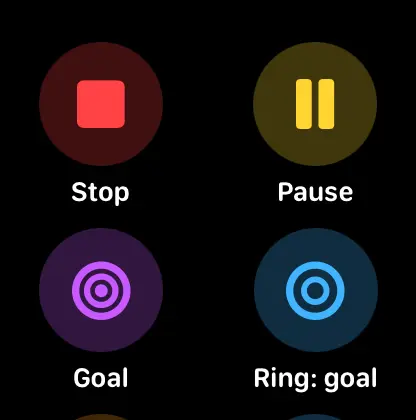
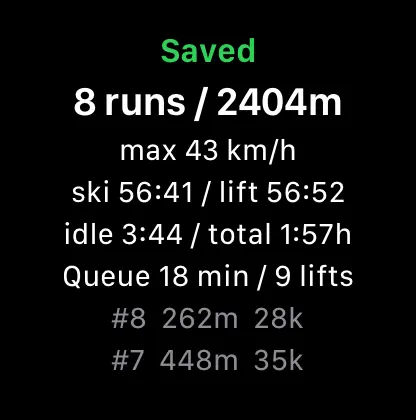
- Apple WatchSnow depth and lifts open on your watch face, a lift-by-lift list, and your day recorded on the wrist with marks, pauses and a goal. Days go to Apple Health and the iPhone app brings them in.
Garmin watches
Watch app awaiting Garmin's approval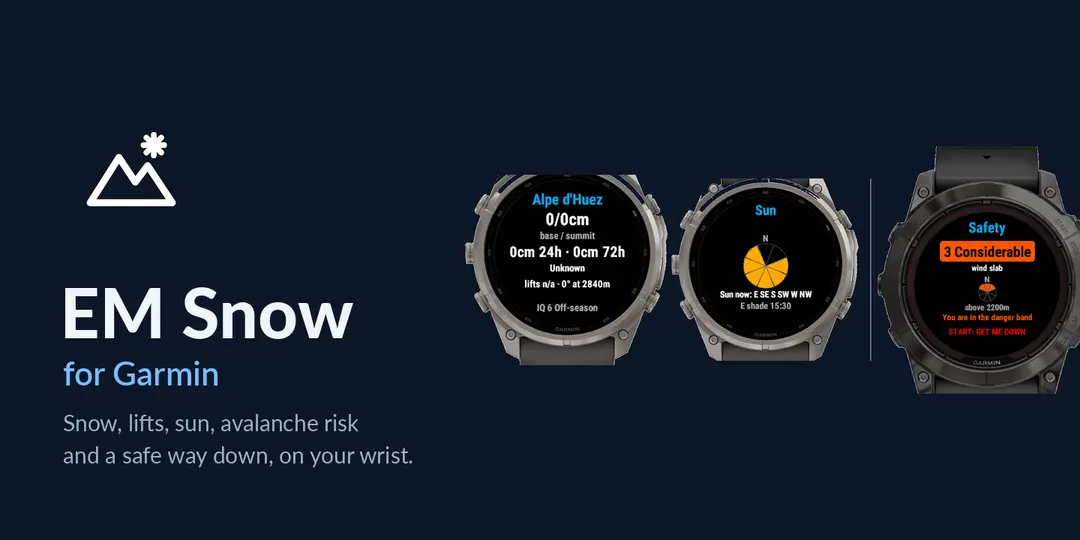
Two EM Snow apps for Garmin. The watch app is with Garmin for approval now; the widget is already in the Connect IQ store. Both are free to try; later, some extras in the watch app will be part of EM Snow Pro, while the snow, the lifts, GET ME DOWN and safety stay free.
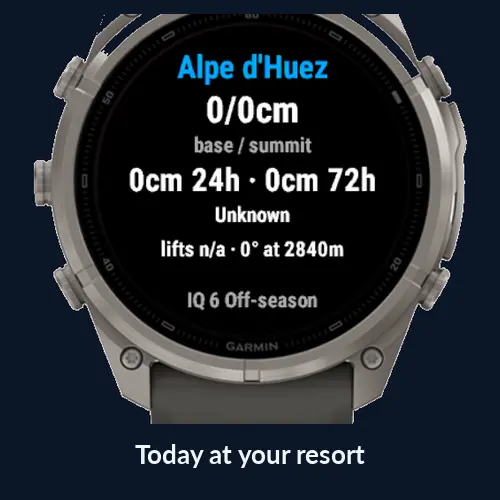
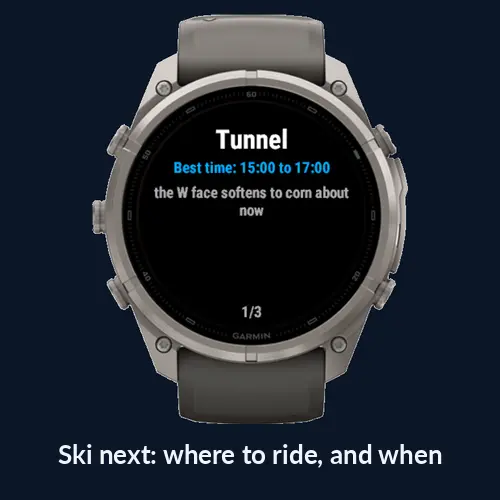
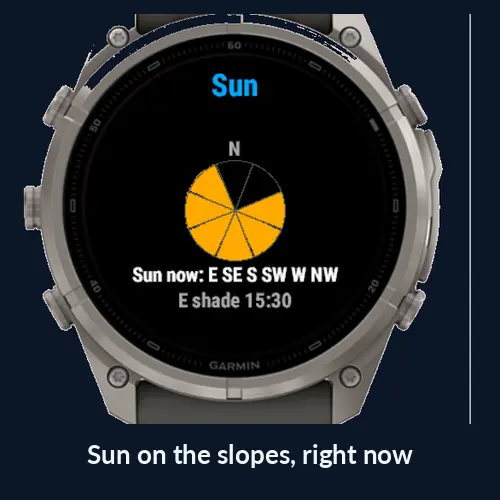
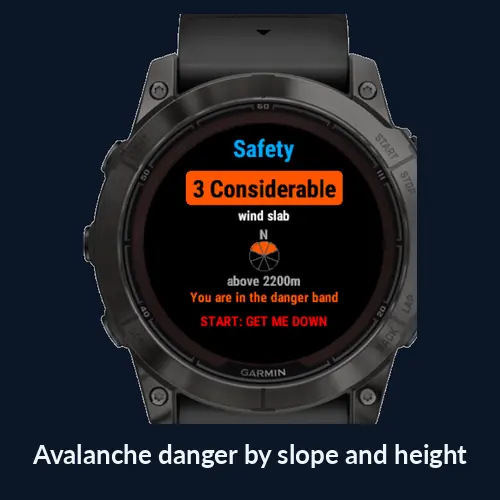
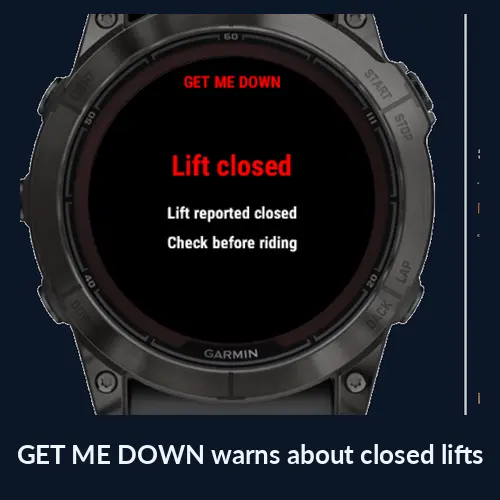
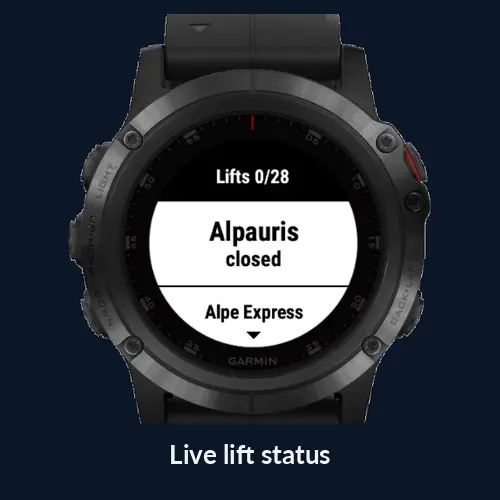
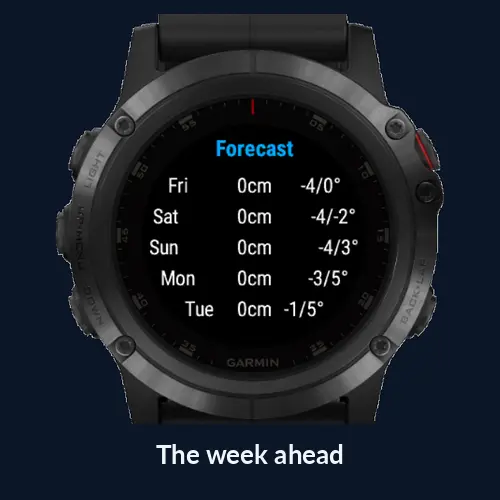
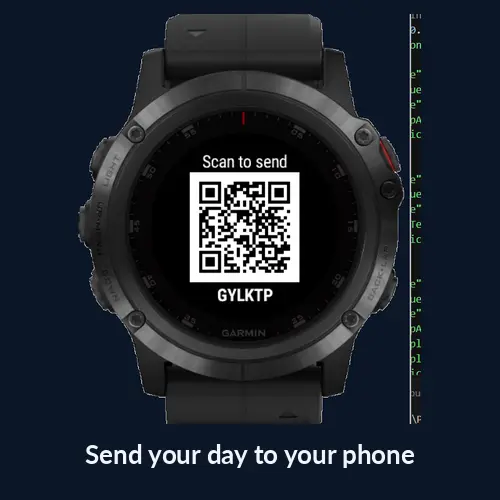
- EM Snow watch appSnow, lifts and the forecast, Next lift, GET ME DOWN, avalanche danger, and your whole day recorded with runs, vertical and marks. Link it to the iPhone app and your days appear there.
See it on Connect IQ → - EM Snow widgetToday's snow and lifts in a glance, on a much wider range of Garmin watches, including older ones.
Get it on Connect IQ →
What we'd love you to try
- Record a day on the hill, or a walk if you're not on snow yet, and look back at it in Days and in 3D.
- Drop a few marks and pause once, from the app or the lock screen.
- If you have a Garmin, link it with the QR code and check your days arrive on the phone.
- If you have an Apple Watch, record from the watch and see the day come in through Apple Health.
- Follow your favourite resorts and see whether the snow and lift alerts are useful.
Tell us anything: what confused you, what broke, what you wished it did. In TestFlight, take a screenshot and tap Share Beta Feedback, or email [email protected].
No account and no sign-in. Your tracks stay on your phone; the app only shares anonymous run numbers (no track, no name) to improve piste conditions for everyone, and you can switch that off. More about every feature in the guide.